Learn

Resources

Use Cases

Contact Center

— Contact Center

Build a contact center where humans and AI work together.

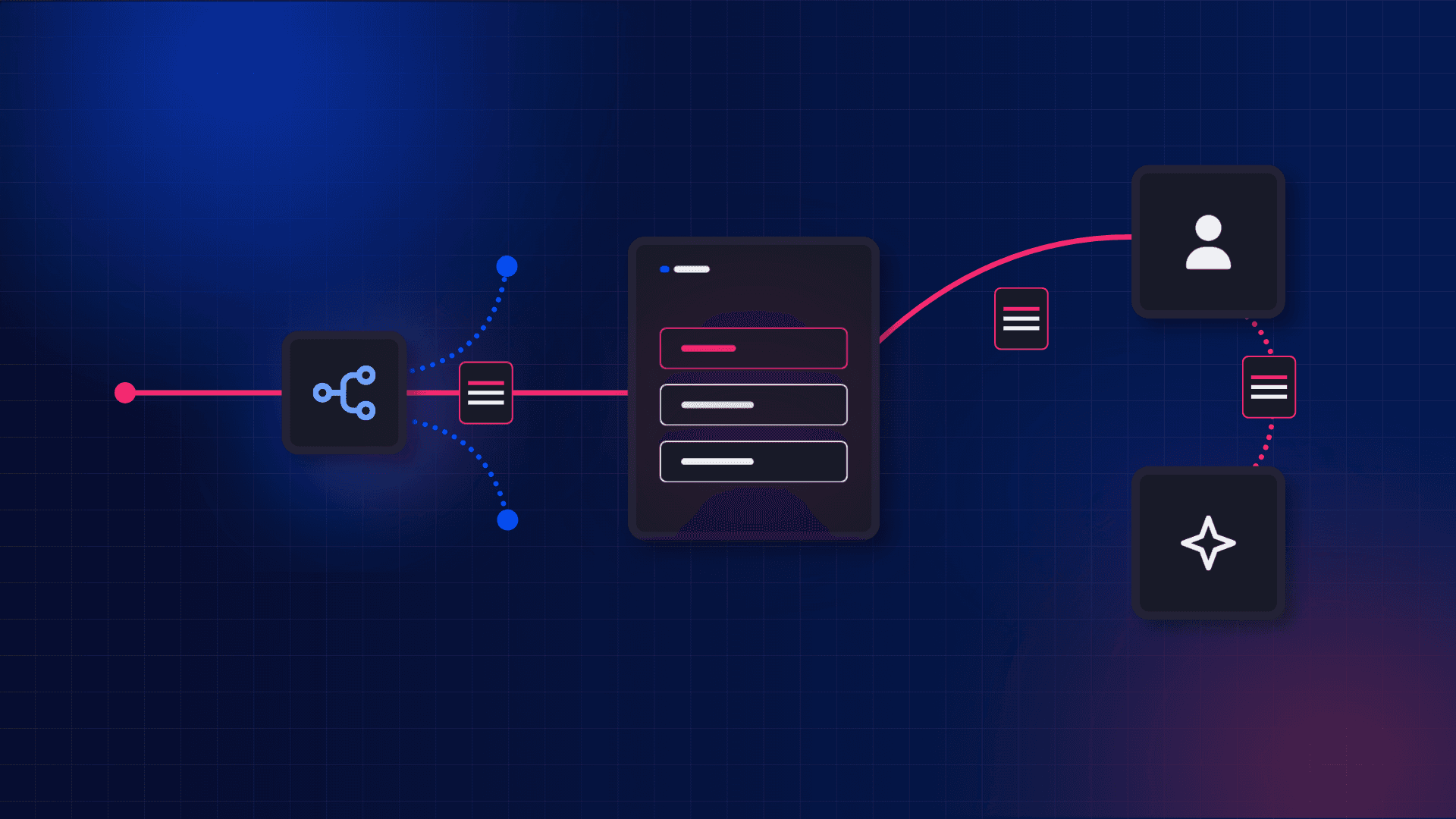
Define the routing and queues once, then let AI and human agents share the same calls, passing context back and forth as they go.
SW-UseCase-ContactCenter

The hard part

Contact Center complexity lives in the telephony layer.

Traditional platforms hand you conference bridges, task queues, and webhooks. The state management, transfer logic, and queue handling that turn them into a contact center are yours to build from scratch.

So you rebuild call state from webhooks that arrive late, out of order, or not at all, always a step behind the live calls. The caller feels it on every transfer: the call moves but the context doesn't.

How it works

The telephony layer, up close

Follow one caller through a contact center running on SignalWire. Every piece is a platform primitive, and the human and AI agents are addressed the same way.

01

Agents are platform identities

Human and AI agents are registered as identities on the platform, each with its own address and presence.

02

Routing runs on live state

Routing runs in code on the call's real-time state, not a copy rebuilt from webhook events that arrive late or out of order.

03

Queues run native

Queueing is native to the platform, and because the call carries its own state, a caller keeps their identity and history through the wait.

04

Transfers carry the whole call

A transfer carries the call's full identity and context, whether it goes from a human to an AI or an AI to a human.

05

Live calls stay addressable

A live call stays addressable, so a human or an AI can drop in mid-call to monitor, whisper to the agent, or join outright.

01

Agents are platform identities

Human and AI agents are registered as identities on the platform, each with its own address and presence.

02

Routing runs on live state

Routing runs in code on the call's real-time state, not a copy rebuilt from webhook events that arrive late or out of order.

03

Queues run native

Queueing is native to the platform, and because the call carries its own state, a caller keeps their identity and history through the wait.

04

Transfers carry the whole call

A transfer carries the call's full identity and context, whether it goes from a human to an AI or an AI to a human.

05

Live calls stay addressable

A live call stays addressable, so a human or an AI can drop in mid-call to monitor, whisper to the agent, or join outright.

01

Agents are platform identities

Human and AI agents are registered as identities on the platform, each with its own address and presence.

02

Routing runs on live state

Routing runs in code on the call's real-time state, not a copy rebuilt from webhook events that arrive late or out of order.

03

Queues run native

Queueing is native to the platform, and because the call carries its own state, a caller keeps their identity and history through the wait.

04

Transfers carry the whole call

A transfer carries the call's full identity and context, whether it goes from a human to an AI or an AI to a human.

05

Live calls stay addressable

A live call stays addressable, so a human or an AI can drop in mid-call to monitor, whisper to the agent, or join outright.

Build it

Route your first call to a human or AI agent.

You define routing, queues, and agents as SWML, in a file or generated from code, and the platform runs it. Human and AI agents are both destinations, addressed the same way.


yaml

copy

01

02

03

04

05

06

07

08

09

10

11

12

version: 1.0.0
sections:
  main:
    - answer: {}
    - request:
        url: 'https://api.example.com/lookup'
        method: POST
        body:
          from: '%{call.from}'
        save_variables: true
    - switch:
        variable: request_response.tier
        case:
          priority:
            - connect:
                to: 'queue:priority'
          support:
            - ai:
                prompt:
                  text: You are a support agent. Help the caller with their account.
                SWAIG:
                  functions:
                    - function: get_account
                      description: Look up the caller's account details
                      parameters:
                        type: object
                        properties:
                          account_id:
                            type: string
                            description: The caller's account number
        default:
          - connect:
              to: 'queue:general'

yaml

copy

01

02

03

04

05

06

07

08

09

10

11

12

version: 1.0.0
sections:
  main:
    - answer: {}
    - request:
        url: 'https://api.example.com/lookup'
        method: POST
        body:
          from: '%{call.from}'
        save_variables: true
    - switch:
        variable: request_response.tier
        case:
          priority:
            - connect:
                to: 'queue:priority'
          support:
            - ai:
                prompt:
                  text: You are a support agent. Help the caller with their account.
                SWAIG:
                  functions:
                    - function: get_account
                      description: Look up the caller's account details
                      parameters:
                        type: object
                        properties:
                          account_id:
                            type: string
                            description: The caller's account number
        default:
          - connect:
              to: 'queue:general'

yaml

copy

01

02

03

04

05

06

07

08

09

10

11

12

version: 1.0.0
sections:
  main:
    - answer: {}
    - request:
        url: 'https://api.example.com/lookup'
        method: POST
        body:
          from: '%{call.from}'
        save_variables: true
    - switch:
        variable: request_response.tier
        case:
          priority:
            - connect:
                to: 'queue:priority'
          support:
            - ai:
                prompt:
                  text: You are a support agent. Help the caller with their account.
                SWAIG:
                  functions:
                    - function: get_account
                      description: Look up the caller's account details
                      parameters:
                        type: object
                        properties:
                          account_id:
                            type: string
                            description: The caller's account number
        default:
          - connect:
              to: 'queue:general'

yaml

copy

01

02

03

04

05

06

07

08

09

10

11

12

version: 1.0.0
sections:
  main:
    - answer: {}
    - request:
        url: 'https://api.example.com/lookup'
        method: POST
        body:
          from: '%{call.from}'
        save_variables: true
    - switch:
        variable: request_response.tier
        case:
          priority:
            - connect:
                to: 'queue:priority'
          support:
            - ai:
                prompt:
                  text: You are a support agent. Help the caller with their account.
                SWAIG:
                  functions:
                    - function: get_account
                      description: Look up the caller's account details
                      parameters:
                        type: object
                        properties:
                          account_id:
                            type: string
                            description: The caller's account number
        default:
          - connect:
              to: 'queue:general'

What you'll have after the quickstart

Routing that runs on the call's live state

Native queues that hold each caller's context

Transfers that carry the whole call, to a human or an AI

One event stream showing every routing decision and handoff

What you'll have after the quickstart

Routing that runs on the call's live state

Native queues that hold each caller's context

Transfers that carry the whole call, to a human or an AI

One event stream showing every routing decision and handoff

What you'll have after the quickstart

Routing that runs on the call's live state

Native queues that hold each caller's context

Transfers that carry the whole call, to a human or an AI

One event stream showing every routing decision and handoff

The platform behind it

The SignalWire tools behind Contact Centers

Build it the way you already work: as config, in your language's SDK, or over plain HTTP. These are the tools behind your contact center.

SWML

Declarative markup for routing, queues, transfers, and AI agents. Write it directly, or generate it from code.

Server SDKs

Build routing and AI agents in Python or nine other languages. The SDK generates SWML for you.

REST APIs

Provision numbers, manage resources, and control active calls over HTTP.

Browser SDK

Put agents or customers on a call from a web, mobile, or desktop app.

RELAY

A persistent WebSocket for real-time call control. Monitor, whisper, or join a live call from your own code.

Resources

The building blocks you route to: agent identities, AI agents, queues, and conferences, all addressable the same way.

SWML

Declarative markup for routing, queues, transfers, and AI agents. Write it directly, or generate it from code.

Server SDKs

Build routing and AI agents in Python or nine other languages. The SDK generates SWML for you.

REST APIs

Provision numbers, manage resources, and control active calls over HTTP.

Browser SDK

Put agents or customers on a call from a web, mobile, or desktop app.

RELAY

A persistent WebSocket for real-time call control. Monitor, whisper, or join a live call from your own code.

Resources

The building blocks you route to: agent identities, AI agents, queues, and conferences, all addressable the same way.

SWML

Declarative markup for routing, queues, transfers, and AI agents. Write it directly, or generate it from code.

Server SDKs

Build routing and AI agents in Python or nine other languages. The SDK generates SWML for you.

REST APIs

Provision numbers, manage resources, and control active calls over HTTP.

Browser SDK

Put agents or customers on a call from a web, mobile, or desktop app.

RELAY

A persistent WebSocket for real-time call control. Monitor, whisper, or join a live call from your own code.

Resources

The building blocks you route to: agent identities, AI agents, queues, and conferences, all addressable the same way.

The hard parts

The hard parts and how SignalWire handles them

The Challenge

How SignalWire Handles It

You assemble the contact center from conference bridges, queues, and routing, then maintain the state machine that ties them together.

Routing, queueing, and transfers are native. The state that ties them together lives on the call, not in your application.

Transfers drop context. The caller re-verifies and repeats everything to the next agent.

The call is stateful, so a transfer carries identity, authentication, and history, to a human or an AI.

Adding AI means bolting a second stack onto your telephony and gluing them with webhooks.

AI agents are first-class. You add them as destinations you already route to, no second stack.

It works in the demo, then buckles at real call volume.

The same carrier-grade engine has run telephony at scale for twenty years.

The Challenge

You assemble the contact center from conference bridges, queues, and routing, then maintain the state machine that ties them together.

Transfers drop context. The caller re-verifies and repeats everything to the next agent.

Adding AI means bolting a second stack onto your telephony and gluing them with webhooks.

It works in the demo, then buckles at real call volume.

How SignalWire Handles It

Routing, queueing, and transfers are native. The state that ties them together lives on the call, not in your application.

The call is stateful, so a transfer carries identity, authentication, and history, to a human or an AI.

AI agents are first-class. You add them as destinations you already route to, no second stack.

The same carrier-grade engine has run telephony at scale for twenty years.

In production

Built by teams that answer at scale.

Angular Gradient Image

“We were able to accomplish what our customers needed a lot more quickly with SignalWire AI than with other standalone call flow systems.”

Avatar

Justin Massey

Founder and CEO at RelayHawk

Angular Gradient Image

“We were able to accomplish what our customers needed a lot more quickly with SignalWire AI than with other standalone call flow systems.”

Avatar

Justin Massey

Founder and CEO at RelayHawk

FAQ

Frequently asked questions

Everything you might want to know about AI in the contact center.

Why do contact centers need a control plane instead of a CPaaS?

Traditional CPaaS platforms treat interactions as transactions: fire a webhook, receive an event, manage state yourself. This breaks when AI is involved, since agents need context from earlier in the call and need to coordinate handoffs without losing the thread. A control plane keeps all of this inside the platform, so your systems observe and instruct it instead of reconstructing it.

How do AI agents work in a SignalWire contact center?

SignalWire's AI kernel runs inside the media engine, in the same system that carries the call; the control plane is the programmable surface (SWML) you govern it through. Calls are handled under constraints defined in SignalWire Markup Language (SWML): which tools the AI can invoke, what data it can see, when to escalate. If it needs customer data or a workflow trigger, it calls a SWAIG function; your backend returns what happens next while the platform coordinates the millisecond-level media operations.

How does SignalWire handle context when a call transfers from an AI agent to a human?

Call state lives in SignalWire's control plane rather than in the AI agent or your application, so context carries over automatically. When a caller moves from AI to a human agent, the full interaction history, collected data, and routing context travel with the call, because the call never leaves the platform.

What protocols does SignalWire support for contact center infrastructure?

The control plane is protocol-agnostic.  PSTN, SIP trunks, WebRTC browser clients, and messaging channels all route to the same resources under the same logic. One AI agent can handle phone, web, and messaging without separate code paths, and transfers between protocols preserve context.

Can I integrate SignalWire with Salesforce, HubSpot, or Zendesk?

Yes. SignalWire connects to CRMs and business systems via SWAIG functions. When an agent or call flow needs customer data, it calls a function that queries your CRM and returns the result. Any system with an API can be integrated this way.

Angular Gradient Image

Ready to ship advanced contact center functionality?

Sign up and start building. Every SignalWire Space includes free credit to test end to end.

Angular Gradient Image

Ready to ship advanced contact center functionality?

Sign up and start building. Every SignalWire Space includes free credit to test end to end.

Angular Gradient Image

Ready to ship advanced contact center functionality?

Sign up and start building. Every SignalWire Space includes free credit to test end to end.